Intent → OS Adapter
Suite role: reference adapter — turns a decoded intent stream into OS pointer motion and clicks. Flagship example of the Neurabeach Package Manifest (runtime: intent-v1).
Vendor-agnostic. Any source that emits JSON lines like:
{"vx": 0.2, "vy": -0.1, "click": 0.0}
Quick start
# Adapter lives in the private neurabeach hub. No public clone.
cd packages/intent-to-os  # if you already have the tree
python -m venv .venv && source .venv/bin/activate
pip install -e .
python -m intent_to_os --source synthetic --dry-run
# then live pointer (needs OS accessibility permission):
# python -m intent_to_os --source synthetic --gain 400
Sources
| Source | Use |
|---|
synthetic | Built-in figure-eight demo (no hardware) |
csv | Replay a recorded intent stream |
websocket | Live JSON lines from any decoder / Bridge-shaped bus |
How it fits the suite
| Piece | Relationship |
|---|
| NeuraBeach | Catalog / store |
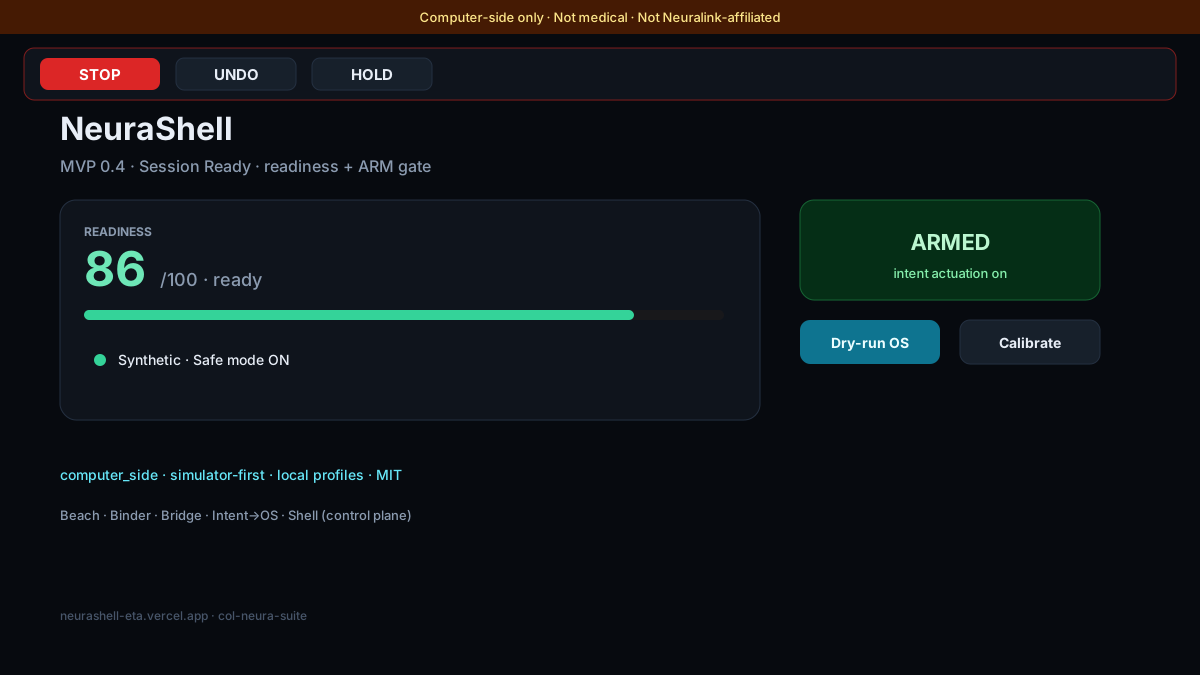
| NeuraShell | Control plane; can dry-run / optional live POST toward this adapter |
| NeuraBinder | End-user app using intent UI patterns (not this OS driver) |
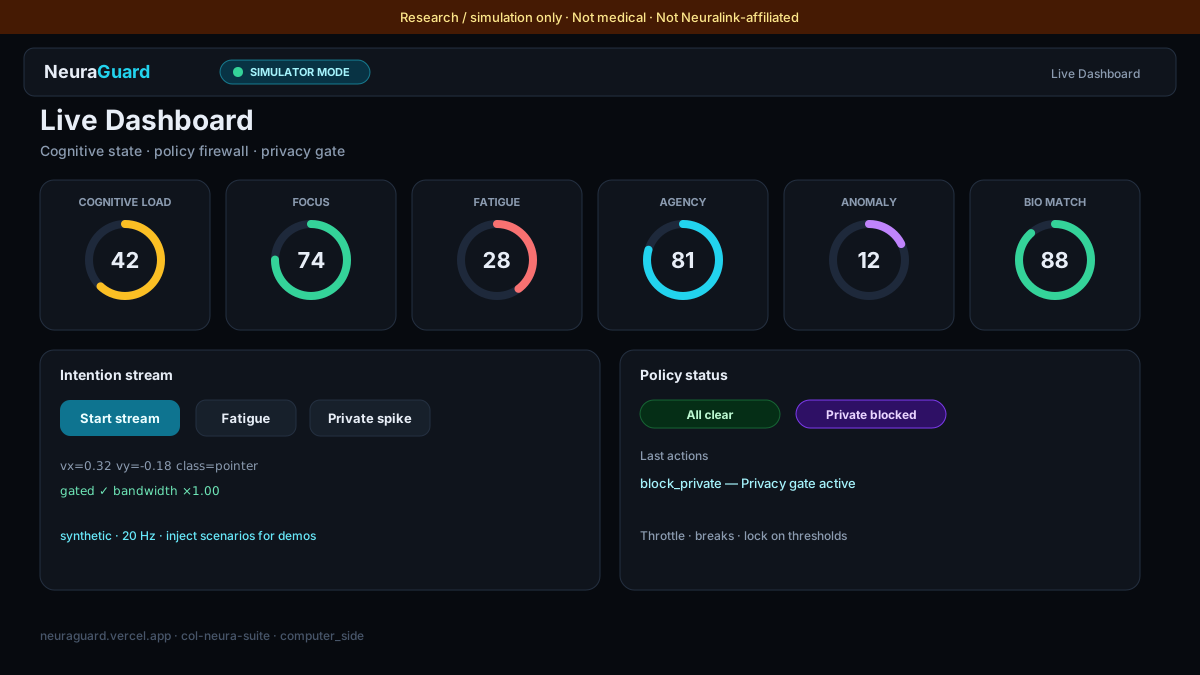
| Neurabridge | Middleware that can emit/forward generic intents |
| NeuraRoboBridge | Robot path (simulators) — separate from OS cursor mapping |
| Intent → OS (this) | Reference adapter — velocity/click streams → OS pointer |
| Neural Flow Architect | Research co-pilot; separate concern from cursor mapping |
North star: Beach finds tools · Shell · Binder · RoboBridge are live demos · Bridge shares app intents · Intent → OS is the OS cursor adapter.
Safety & claims
- Computer-side only. Not implant firmware. Not a medical device.
- Not affiliated with Neuralink.
- Requires OS accessibility / input permissions for live mouse control.
- Always run
--dry-run first. Press Ctrl+C to stop. Clamp with --max-speed.
- No hosted Live demo — run the Python CLI locally (parent
neurabeach repo may be private; package path is under packages/intent-to-os).
Package manifest
See packages/intent-to-os/neurabeach-manifest.json (private neurabeach hub) (safety_class: computer_side, runtime: intent-v1, suite_role: adapter).
Suite
Part of Joe’s Neura Suite — collection col-neura-suite.